Microsoft Word 2019 Training - ITU Online Old Site

Microsoft Word 2019 Training

Learn how powerful Word is with our Word 2019 training course. Microsoft Word is the most widely-used word processing software, and its presence in both personal and professional use worldwide is undeniable. And while it already offers a plethora of features to boost productivity, Microsoft has been continuously innovating with each new version they release.

Included In This Course

Included In This Course

Total Hours
Microsoft Word 2019 Training
0 On-demand Videos
Closed Caption

Closed Captions

Course Topics
0  Topics
Prep Questions
0 Prep Questions
Microsoft Word 2019 Training

Certificate of Completion

Course Description

Note: Even though this course is based on an older version, it is still a worthwhile resource for online learning and training.

Concise training with our online course

Microsoft Word is the perfect tool for any and all work – be it personal, business or office. It’s easily accessible on your phone, tablet or desktop no matter where you are! With an array of features specifically designed to help make your office life easier, Microsoft Word has everything you need to get the job done. Join this course now and receive thorough guidance as we explore each feature step-by-step while completing projects that will ultimately build up your Microsoft Word skills from beginner level to expert!

Microsoft Word is the most popular word processing program that can be used for both personal and professional purposes. While already feature-rich and critical for productivity, Microsoft continues to improve and enhance their software with each new release like the latest Microsoft Word.

What you will learn in this Word 2019 training course:

In this course, students will learn how to develop and improve their Microsoft Word skills, so that they are able to maximize the industry-standard word processing system in everyday Business operations. This Word training is broken down into three levels with each level providing more in-depth and advanced features available in Microsoft Word.

  • Basic Word
  • Intermediate Word
  • Advanced training Word for advanced skills

All three modules total four hours of training content and 39 videos. Throughout our Word 2019 training, students will learn tasks like creating a document, inserting a table and graphs and creating mail merges.

Frequently Asked Questions About Microsoft Word 2019 Training

What can I expect to learn from this Online Course?

You can expect to enhance your Microsoft Word skills from beginner level to expert. The course covers tasks like creating a document, inserting a table and graphs, and creating mail merges​.

How is the IT Training Course structured?

The course is broken down into three levels: Basic, Intermediate, and Advanced Word. Each level offers more in-depth and advanced features available in Microsoft Word, providing you with a comprehensive learning experience.

What materials are included in this online course?

The course includes 4 hours of training content, 39 on-demand videos, closed captions, and it covers 3 topics. You’ll also get access to 70 prep questions to help you consolidate your learning, and at the end of the course, you will receive a Certificate of Completion.

Is this course relevant even though it’s based on an older version of Microsoft Word?

Absolutely! While the course is based on an older version, it’s still a valuable resource for training and online learning. Microsoft Word is continuously innovating with each new version, but the core features remain the same, making this course a worthwhile investment for developing your Word skills​.

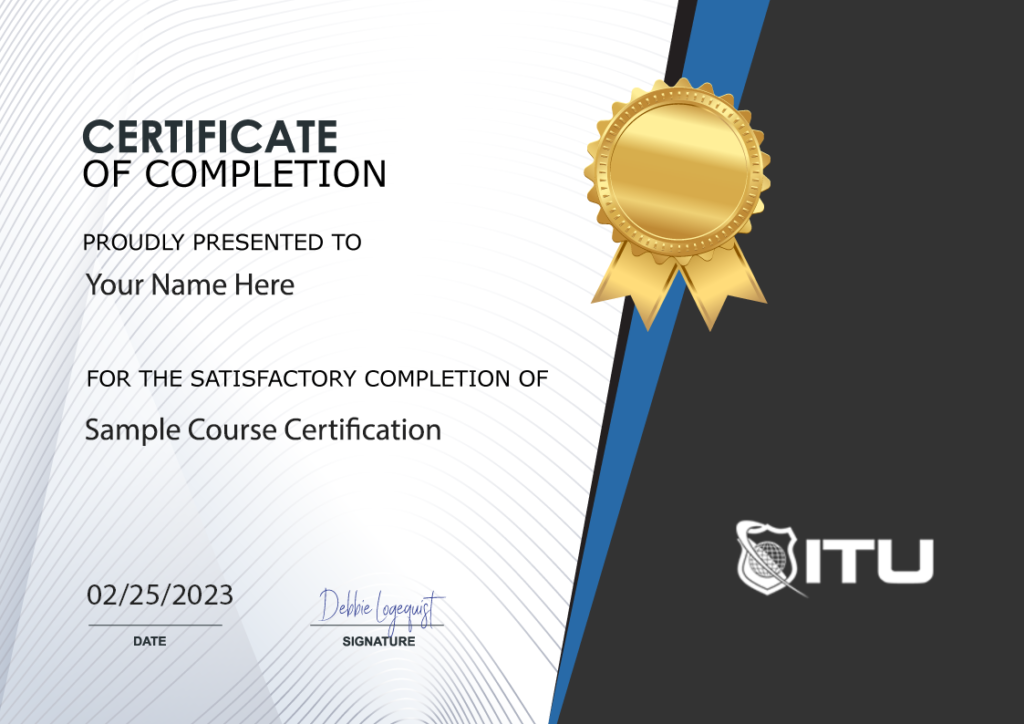
Proudly Display
Your Achievement

Upon completion of your training, you’ll receive a personalized certificate of completion to help validate to others your new skills.
Example Certificate

Course Outline

Add a review
Currently, we are not accepting new reviews
4.8
Based on 82 reviews
1-5 of 82 reviews
  1. AM

    Mary Beth helped me. She was wonderful.

  2. NM
  3. AA
  4. K
  5. BO
Microsoft Word 2019 Training
 

Subscribe To All-Access
Lock In $14.99 / Month Forever

Start this course for free with our 10-day trial of the all-access subscription providing access to over 2,600 hours of training.

$49.00 $14.99 Monthly
OR

$49.00

Microsoft Word 2019 Training

Microsoft Word 2019 Training
Additional Options to Access This Training
This training is also part of our extensive training library containing over 225 courses, 12,000+ videos and over 19,000 practice test questions.

Monthly All-Access Subscription
7 Days Free - $39.00 / month

A great option at an affordable monthly price.

Annual All-Access Subscription
$229 / year

A discounted price when paying for your All Access library on an annual basis.

Lifetime All-Access Library
$379 One time payment

Exceptional Value. Pay once, never have to buy IT training again.

Related Courses

$49.00

Unlock the full potential of Microsoft Excel with our comprehensive online training course. Learn Excel from scratch and advance your skills today!

In this course you will learn how to use Microsoft Excel 2016 more effectively whether you are using it at home or in the workplace. Understand how to manipulate data within a spreadsheet, validate and present information using the built in structure and functions of Microsoft Excel. This Microsoft Excel 2016 training course covers basic, intermediate and advanced competency levels.

Add To Cart

$49.00

Learn how to create dynamic and engaging presentations with our Microsoft Powerpoint Online Course. Master the software and impress your audience.

In this course you will learn how to use Miicrosoft Powerpont 2016, the presentation software included in the Office 2016 Suite of applications. Learn to navigate the interface effectively, insert a range of objects and how to create engaging presentations that will wow viewers. Topics will include design, customization and presentation of information using Microsoft PowerPoint 2016. This Microsoft Powerpoint 2016 training course covers basic, intermediate and advanced competency levels.

Add To Cart

$49.00

Advance your IT career with Microsoft 70-412 training course. Learn how to configure advanced Windows Server 2012 services with ITU Online.

In this Microsoft 70-412: Configuring Advanced Windows Server Services course you will learn how to perform the advanced configuring tasks required to deploy, manage, and maintain a Windows Server 2012 infrastructure, such as fault tolerance, certificate services, and identity federation.

Add To Cart