Microsoft Office 2016 Certification Training Bundle - ITU Online Old Site
ON SALE 40% OFF

Microsoft Office 2016 Certification Training Bundle

Master PowerPoint 2016 with this comprehensive course covering the three main sections: Basic, Intermediate and Advanced. Get an in-depth review of the software while learning to navigate its interface effectively and insert a variety of objects. Create dynamic presentations that will leave your viewers impressed as you learn about design, customization, and presentation techniques!

Included In This Course

Included In This Course

Total Hours
Microsoft Office 2016 Certification Training Bundle
0 On-demand Videos
Closed Caption

Closed Captions

Course Topics
0  Topics
Prep Questions
0 Prep Questions
Microsoft Office 2016 Certification Training Bundle

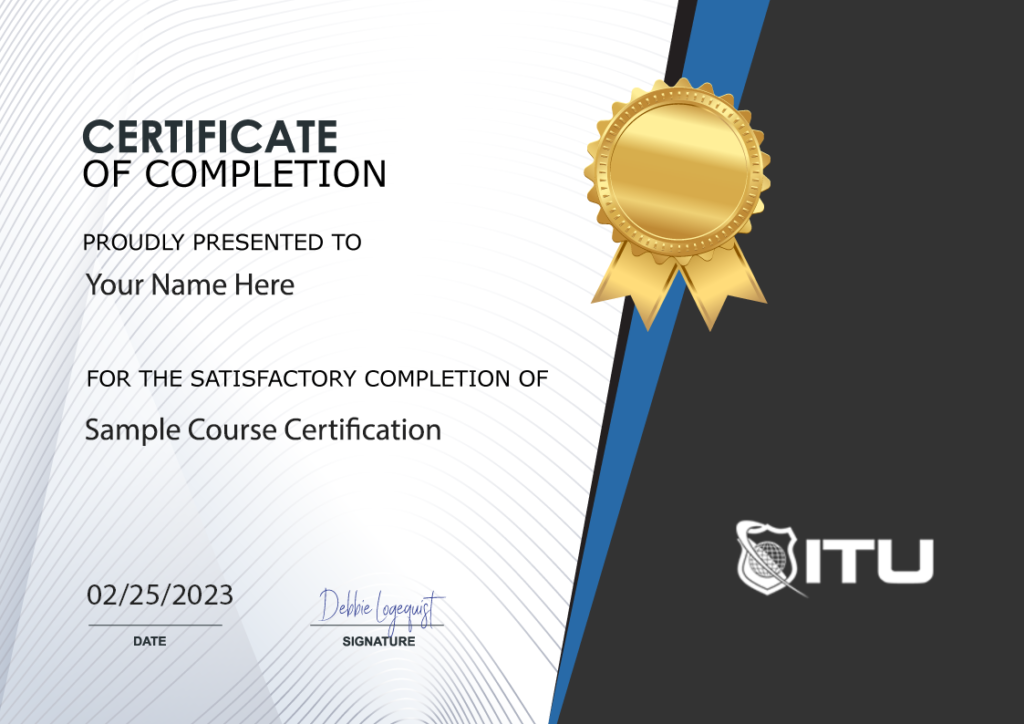
Certificate of Completion

Course Description

Note: Even though this course is based on an older version, it is still a worthwhile resource for online learning and training.

Course Description

Master Microsoft Office 2016: A Comprehensive Approach Dive into the world of Microsoft Office 2016 with our extensive training bundle. Designed for learners of all levels, this course covers Microsoft Access, Excel, Outlook, PowerPoint, and Word, offering beginner, intermediate, and advanced lessons. Whether you’re new to Office or looking to refine your skills, this course has something for everyone.

Flexible Learning with On-Demand Videos Enjoy the flexibility of learning at your own pace with our on-demand video format. These comprehensive lessons allow you to revisit and master each application’s features and functionalities whenever you need.

Hands-On Experience for Real-World Skills To maximize learning outcomes, having Microsoft Office 2016 installed is essential. This hands-on approach ensures you can immediately apply your new skills, solidifying your understanding and competence in real-world scenarios.

Course Benefits

Enhance Your Office Proficiency From creating intricate spreadsheets in Excel to designing compelling PowerPoint presentations, this course enhances your proficiency across all Office applications. You’ll learn to manage data effectively, present information creatively, and optimize your workflow for personal and professional growth.

Advance Your Career with Essential Skills Proficiency in Microsoft Office is a cornerstone of professional competence. This training equips you with sought-after skills, paving the way for career advancement and opening new job opportunities in various industries.

Certification of Achievement Upon completing the course, you will receive a certificate of completion, a testament to your dedication and newly acquired skills. This certificate is a valuable asset for your professional portfolio, showcasing your commitment to continuous learning.

Who Is The Course For

A Course for All Learners Whether you’re starting your journey with Microsoft Office or seeking to deepen your existing knowledge, this course is for you. It’s tailored to meet diverse learning needs, ensuring everyone from novices to seasoned users gains valuable insights.

Customized Learning Outcomes The course’s structured levels cater to different proficiencies. Beginners can build a solid foundation, while advanced users can delve into the more sophisticated aspects of each application, ensuring a comprehensive learning experience.

Versatile and Applicable Skills The skills you acquire are versatile, lending themselves to various scenarios, be it academic, personal, or professional. With this training, you become adept at using tools that are essential in today’s digital world.

To see more Microsoft related training, Visit the Microsoft Website.

Frequently Asked Questions About Microsoft Office 2016 Certification Training Bundle

What does the Microsoft Office 2016 Certification Training Bundle include?

The bundle includes comprehensive training for Microsoft Access, Excel, Outlook, PowerPoint, and Word. The training is divided into three levels for each software: Basic, Intermediate, and Advanced, covering everything from simple usage to complex features and functions.

How does the course delivery work? Are these live classes or pre-recorded videos?

The course consists of on-demand videos that you can watch at your own pace. It’s not a live class, which means you can revisit the content anytime you need.

Do I need to have the software installed to follow along with the training?

Yes, you’ll need to have the relevant Microsoft Office 2016 applications installed on your computer. This is so you can practice and apply what you learn in the training.

How long do I have access to the course once I purchase it?

You have access to this course for 1 year.

How do I know if this training bundle is right for me?

If you’re a beginner looking to get started or an experienced user wanting to deepen your knowledge of Microsoft Office 2016 applications, this course could be beneficial. It covers a wide range of topics, from basic document creation to more complex functions in each of the included software programs.

Proudly Display
Your Achievement

Upon completion of your training, you’ll receive a personalized certificate of completion to help validate to others your new skills.
Example Certificate

Course Outline

Add a review
Currently, we are not accepting new reviews
4.8
Based on 82 reviews
1-5 of 67 reviews
  1. AM

    Mary Beth helped me. She was wonderful.

  2. NM
  3. AA
  4. K
  5. BO
Microsoft Office 2016 Certification Training Bundle
 

Subscribe To All-Access
Lock In $14.99 / Month Forever

Start this course for free with our 10-day trial of the all-access subscription providing access to over 2,600 hours of training.

$49.00 $14.99 Monthly
OR

$47.40

Microsoft Office 2016 Certification Training Bundle

ON SALE 40% OFF
Microsoft Office 2016
Microsoft Office 2016 Certification Training Bundle
Additional Options to Access This Training
This training is also part of our extensive training library containing over 225 courses, 12,000+ videos and over 19,000 practice test questions.

Monthly All-Access Subscription
7 Days Free - $39.00 / month

A great option at an affordable monthly price.

Annual All-Access Subscription
$229 / year

A discounted price when paying for your All Access library on an annual basis.

Lifetime All-Access Library
$379 One time payment

Exceptional Value. Pay once, never have to buy IT training again.

Related Courses

$49.00

Get proficient in Microsoft Word with our comprehensive online training course. Boost your skills and increase productivity. Enroll now!

Learn how powerful Word is with our Word 2019 training course. Microsoft Word is the most widely-used word processing software, and its presence in both personal and professional use worldwide is undeniable. And while it already offers a plethora of features to boost productivity, Microsoft has been continuously innovating with each new version they release.

Add To Cart

$59.00

Looking to become a CompTIA Systems Support Specialist? Our CSSS course has got you covered! Gain the skills you need to excel in IT support. Enroll now.

CompTIA CSSS is the ideal certification for IT professionals with zero to two years of experience. Through this stackable credential, you can achieve specialized knowledge and proficiency by completing the CompTIA A+ and CompTIA Linux+ exams that are part of its Certification Path. 

Add To Cart

$49.00

Learn Microsoft Word with our comprehensive online course! Boost your productivity and efficiency in creating professional documents. Enroll now.

Learn the power of Word in this Word 2010 Training. Microsoft Word 2010 is your one-stop shop for crafting polished documents. With its impressive array of features, including formatting and collaboration tools, it can help you create professional quality materials in no time!

Add To Cart