Microsoft Powerpoint 2016 Training - ITU Online Old Site

Microsoft Powerpoint 2016 Training

In this course you will learn how to use Miicrosoft Powerpont 2016, the presentation software included in the Office 2016 Suite of applications. Learn to navigate the interface effectively, insert a range of objects and how to create engaging presentations that will wow viewers. Topics will include design, customization and presentation of information using Microsoft PowerPoint 2016. This Microsoft Powerpoint 2016 training course covers basic, intermediate and advanced competency levels.

Included In This Course

Included In This Course

Total Hours
Microsoft Powerpoint 2016 Training
0 On-demand Videos
Closed Caption

Closed Captions

Course Topics
0  Topics
Prep Questions
0 Prep Questions
Microsoft Powerpoint 2016 Training

Certificate of Completion

Course Description

Microsoft PowerPoint 2016 Training: Course Description

Unlocking Presentation Excellence: Begin your journey into the realm of PowerPoint 2016, a tool essential for stunning presentations. This course offers a thorough exploration of PowerPoint, starting from the basics and advancing to complex features. It’s tailored to enhance your understanding of presentation design and delivery.

In-Depth Learning Experience: Delve into each aspect of PowerPoint, from creating basic slides to integrating multimedia elements. The course is structured to provide a comprehensive understanding, ensuring you grasp every tool and function.

Real-World Applications: Apply your knowledge through practical examples and exercises. This hands-on approach solidifies your learning, preparing you to tackle real-world presentation challenges with confidence.

Enhancing Career Prospects with Microsoft PowerPoint Training: Course Benefits

Skill Development: Gain invaluable skills in PowerPoint 2016, enhancing your professional toolkit. This course equips you with the expertise to create compelling and informative presentations, a skill highly valued in many career paths.

Flexibility and Recognition: The course is designed for flexibility, allowing you to learn at your pace. Upon completion, receive a certificate, bolstering your professional credibility and showcasing your newly acquired PowerPoint skills.

Beyond Presentations: While focusing on PowerPoint, the course also teaches presentation planning and execution, skills that transcend the software and are beneficial in various professional contexts.

Who Should Enroll in Microsoft PowerPoint Training: Target Audience

For Everyone: Whether you’re a student, professional, or someone seeking personal development, this course is for you. It’s designed to cater to all levels of proficiency, ensuring everyone can benefit.

Career Enhancement: Ideal for professionals looking to upgrade their presentation skills, the course is a stepping stone to more advanced roles. It’s particularly beneficial for those in roles that require frequent and impactful presentations.

Lifelong Learning: Embrace the opportunity to learn and grow. This course isn’t just about mastering PowerPoint; it’s about enhancing your overall ability to communicate effectively and professionally.

Frequently Asked Questions About Powerpoint

How do I start using PowerPoint for the first time?

Begin by opening PowerPoint and selecting a template or a blank presentation. Familiarize yourself with the interface, including the ribbon, slides pane, and notes section. Start by adding text, images, and other elements to your slides.

Can I add animations and transitions in PowerPoint?

Yes, PowerPoint allows you to add animations to objects and transitions between slides. These are accessible via the ‘Animations’ and ‘Transitions’ tabs in the ribbon.

How can I make my PowerPoint presentation more engaging?

To make your presentation engaging, use a clear and consistent design, include visuals like images and charts, and minimize text on slides. Interactive elements like hyperlinks or embedded videos can also enhance engagement.

Is it possible to collaborate on a PowerPoint presentation with others?

Yes, PowerPoint supports collaboration. You can share your presentation via OneDrive or SharePoint and allow others to view or edit it. Real-time collaboration is possible with PowerPoint Online.

How do I save and share my PowerPoint presentation?

Save your presentation by clicking ‘File’ then ‘Save As.’ Choose the format and location. To share, you can save your presentation to the cloud (e.g., OneDrive) and share a link, or directly email it as an attachment.

Proudly Display
Your Achievement

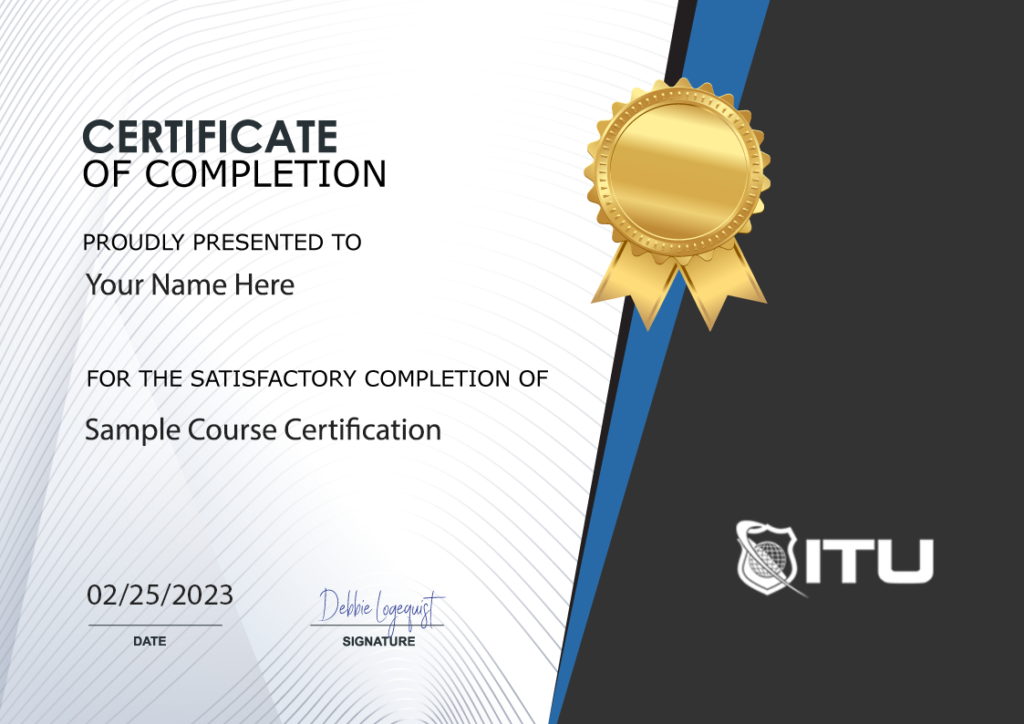
Upon completion of your training, you’ll receive a personalized certificate of completion to help validate to others your new skills.
Example Certificate

Course Outline

Add a review
Currently, we are not accepting new reviews
4.8
Based on 82 reviews
1-1 of 1 review
  1. DW
Microsoft Powerpoint 2016 Training
 

Subscribe To All-Access
Lock In $14.99 / Month Forever

Start this course for free with our 10-day trial of the all-access subscription providing access to over 2,600 hours of training.

$49.00 $14.99 Monthly
OR

$49.00

Microsoft Powerpoint 2016 Training

Microsoft Powerpoint 2016
Microsoft Powerpoint 2016 Training
Additional Options to Access This Training
This training is also part of our extensive training library containing over 225 courses, 12,000+ videos and over 19,000 practice test questions.

Monthly All-Access Subscription
7 Days Free - $39.00 / month

A great option at an affordable monthly price.

Annual All-Access Subscription
$229 / year

A discounted price when paying for your All Access library on an annual basis.

Lifetime All-Access Library
$379 One time payment

Exceptional Value. Pay once, never have to buy IT training again.

Related Courses

ON SALE 40% OFF
ON SALE 40% OFF
Microsoft Office 2016

$47.40

Gain expertise in Microsoft Office 2016 with our Certification Training Bundle. Enroll now to enhance your skills and boost your career prospects!

Master PowerPoint 2016 with this comprehensive course covering the three main sections: Basic, Intermediate and Advanced. Get an in-depth review of the software while learning to navigate its interface effectively and insert a variety of objects. Create dynamic presentations that will leave your viewers impressed as you learn about design, customization, and presentation techniques!

Add To Cart

$49.00

Learn Microsoft Access with our comprehensive online course. Master the skills to create, design and manage a database. Enroll now!

This Microsoft Access 2010 Training course covers basic, intermediate, and advanced features in Microsoft Office Access 2010. You will learn how to utilize this database application as a design and deployment tool to keep track of important information.

Add To Cart

$49.00

Take your Access skills to the next level with our in-depth training course. Become a pro at designing and managing databases.

This Microsoft Access 2013 Training course teaches users to store data on their computer and also publish it online, enabling other authorized individuals to access the database via a web browser. Access databases can be used for storing virtually any type of information imaginable – from inventory details to contacts or business processes.

Add To Cart